Does Moticap need an internet connection?
On the Mac and inside your editor, transcription runs on your machine and works offline. In the phone app, the video's sound is sent for transcription, so it needs a connection; the final video is then rendered on the phone itself. AI features, like describing a look or copying one from a picture, need a connection.
Is my footage uploaded anywhere?
On the Mac and inside your editor, your video stays on your machine. In the phone app on iPhone and Android, the final video is rendered on the phone itself, and only the video's sound is sent for transcription. When you use AI features, only what you choose for them is sent, such as the description or the picture.
Which languages and dialects are supported?
Arabic in everyday dialects — Gulf, Levantine and Egyptian — plus English.
Does it support Arabizi?
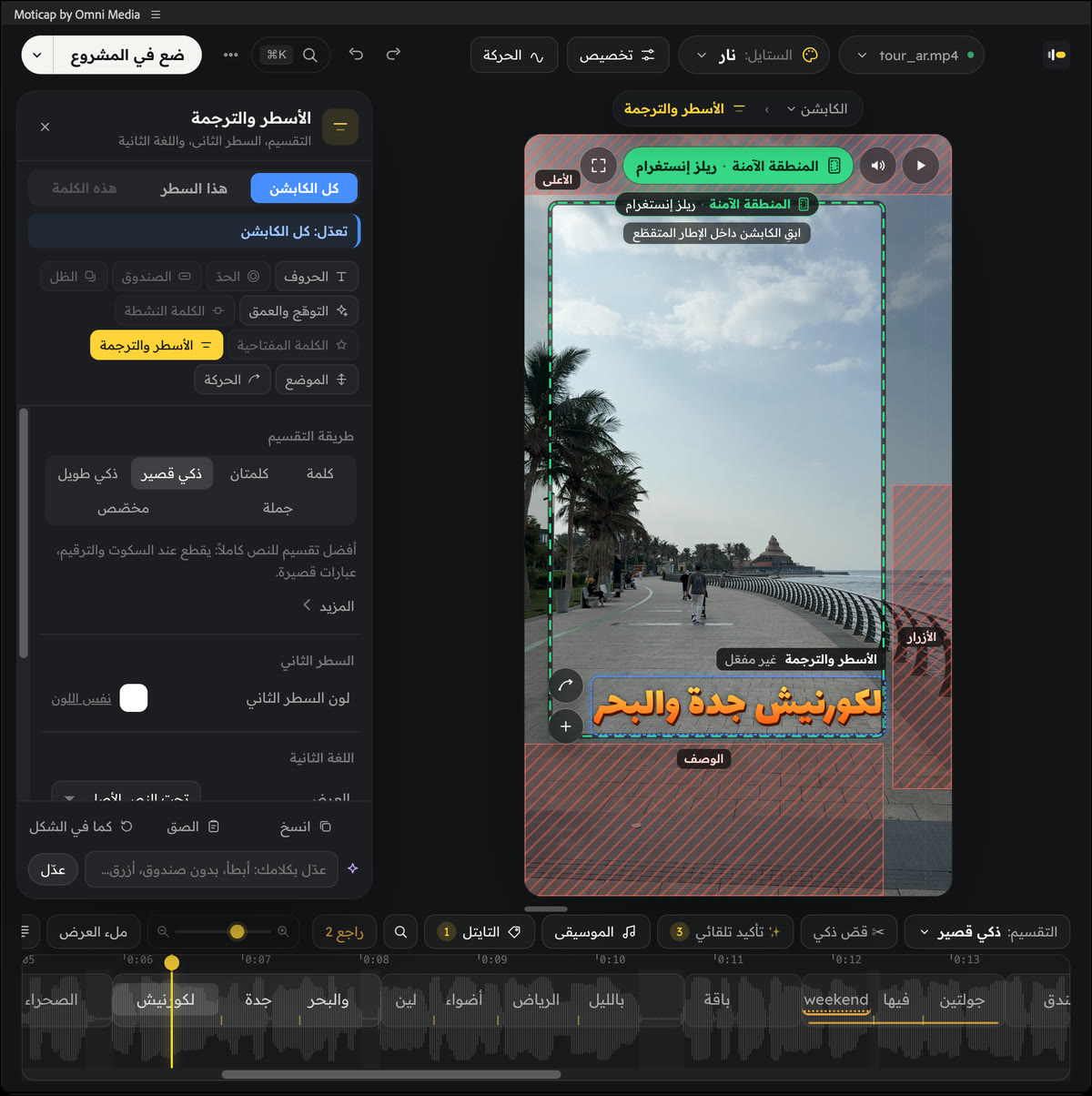
Yes, both ways: it can write captions in Arabizi, reading left to right, and it turns any line you type or paste in Arabizi into Arabic automatically.
Which apps does it work with?
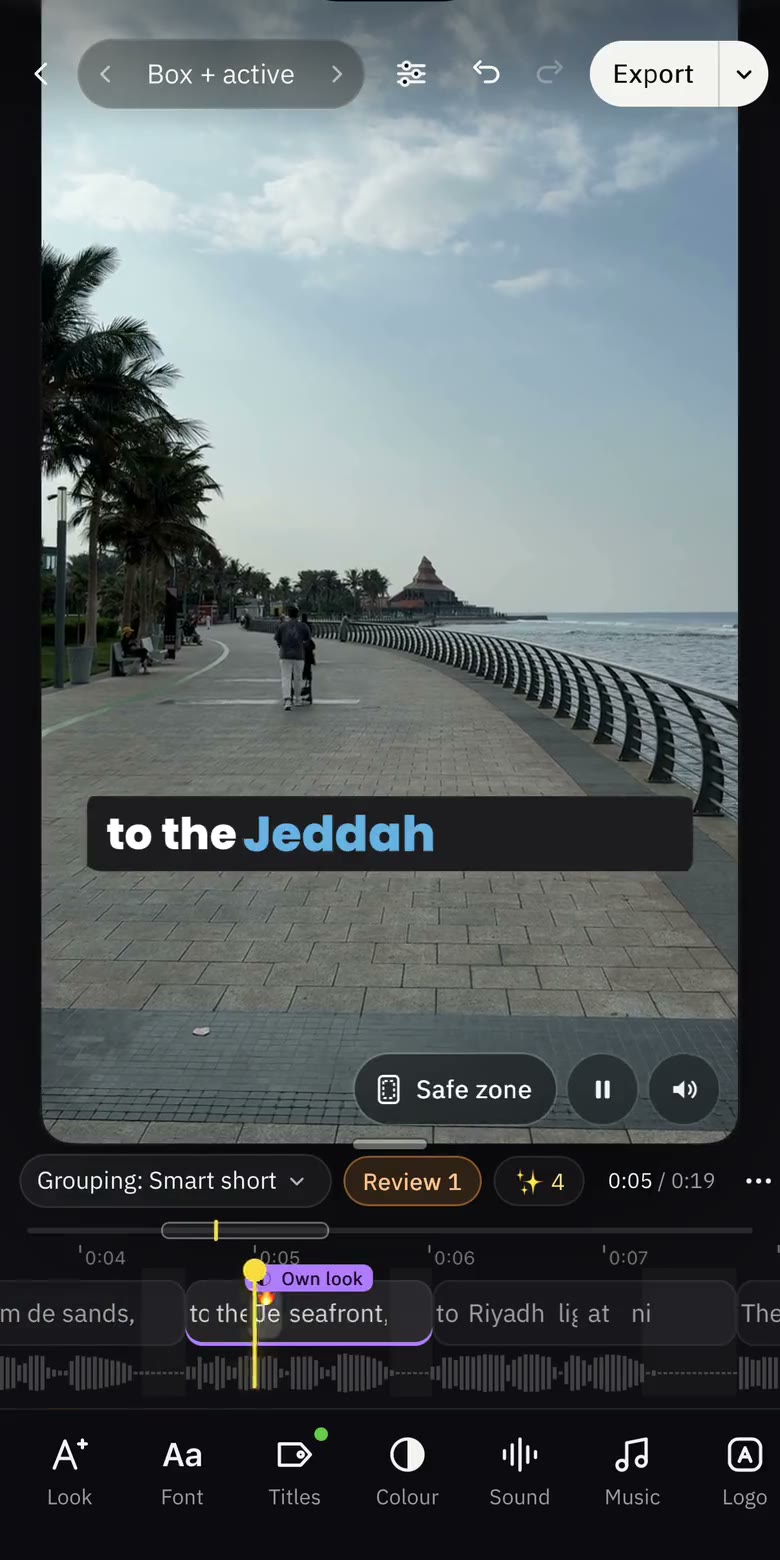
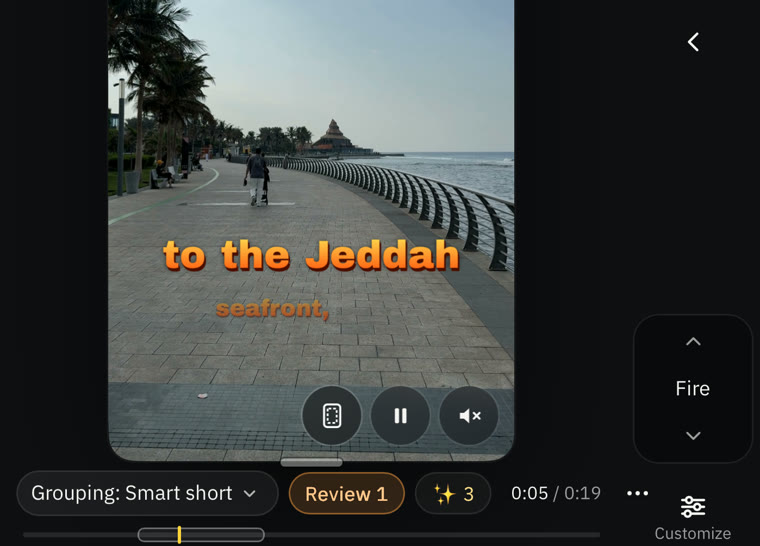
A standalone Mac app, panels inside Adobe After Effects and Adobe Premiere Pro, a plugin for DaVinci Resolve Studio, an extension for Final Cut Pro, and a phone app for iOS and Android. Windows is on the way.
How does it work with Final Cut Pro?
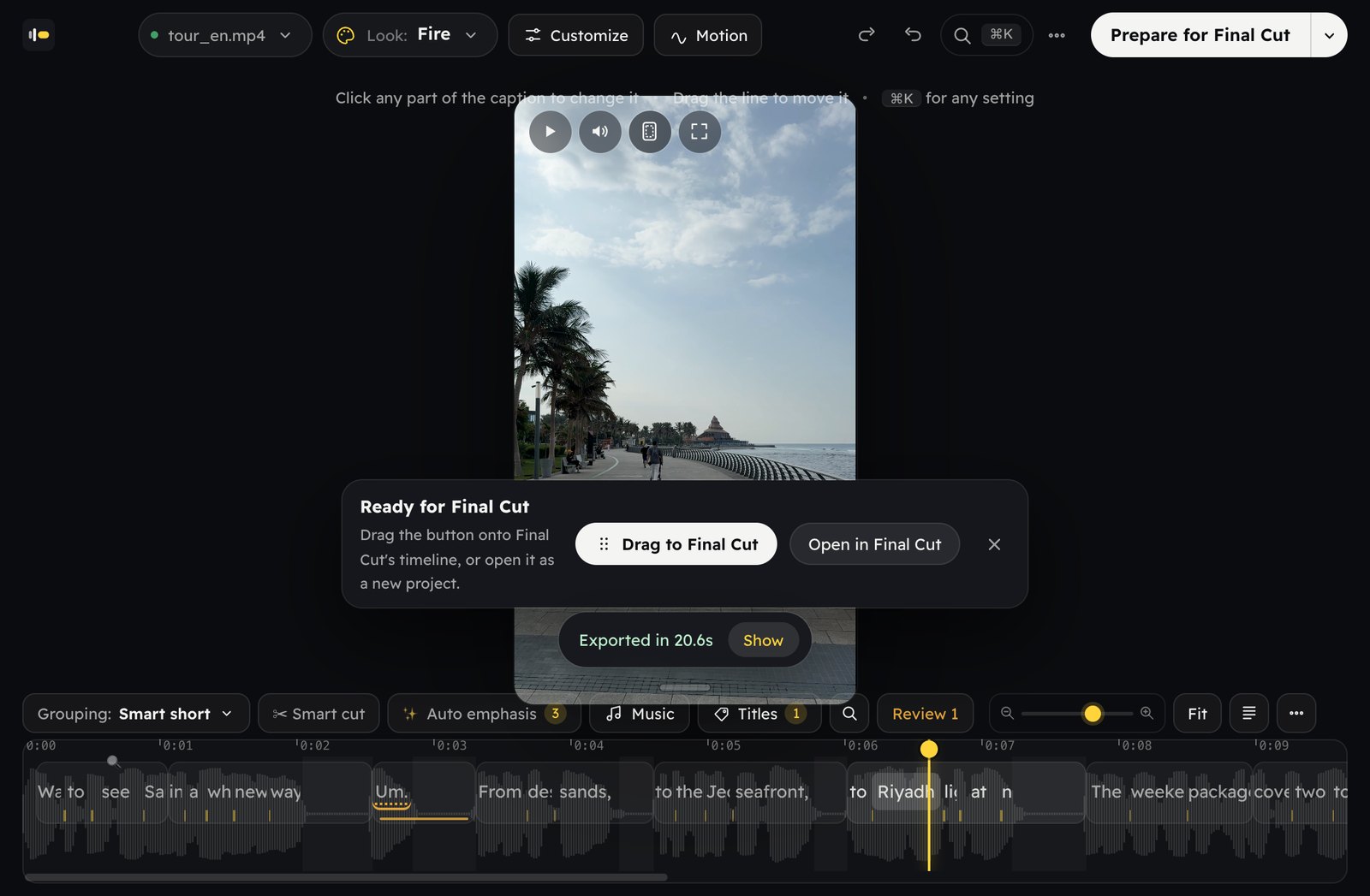
Open Window ▸ Extensions ▸ Moticap inside Final Cut and drag a clip in from the browser or the timeline. Edit as you like, then hit “Prepare for Final Cut” and drag the result onto your timeline — or open it as a new project.
Can I edit the captions afterwards?
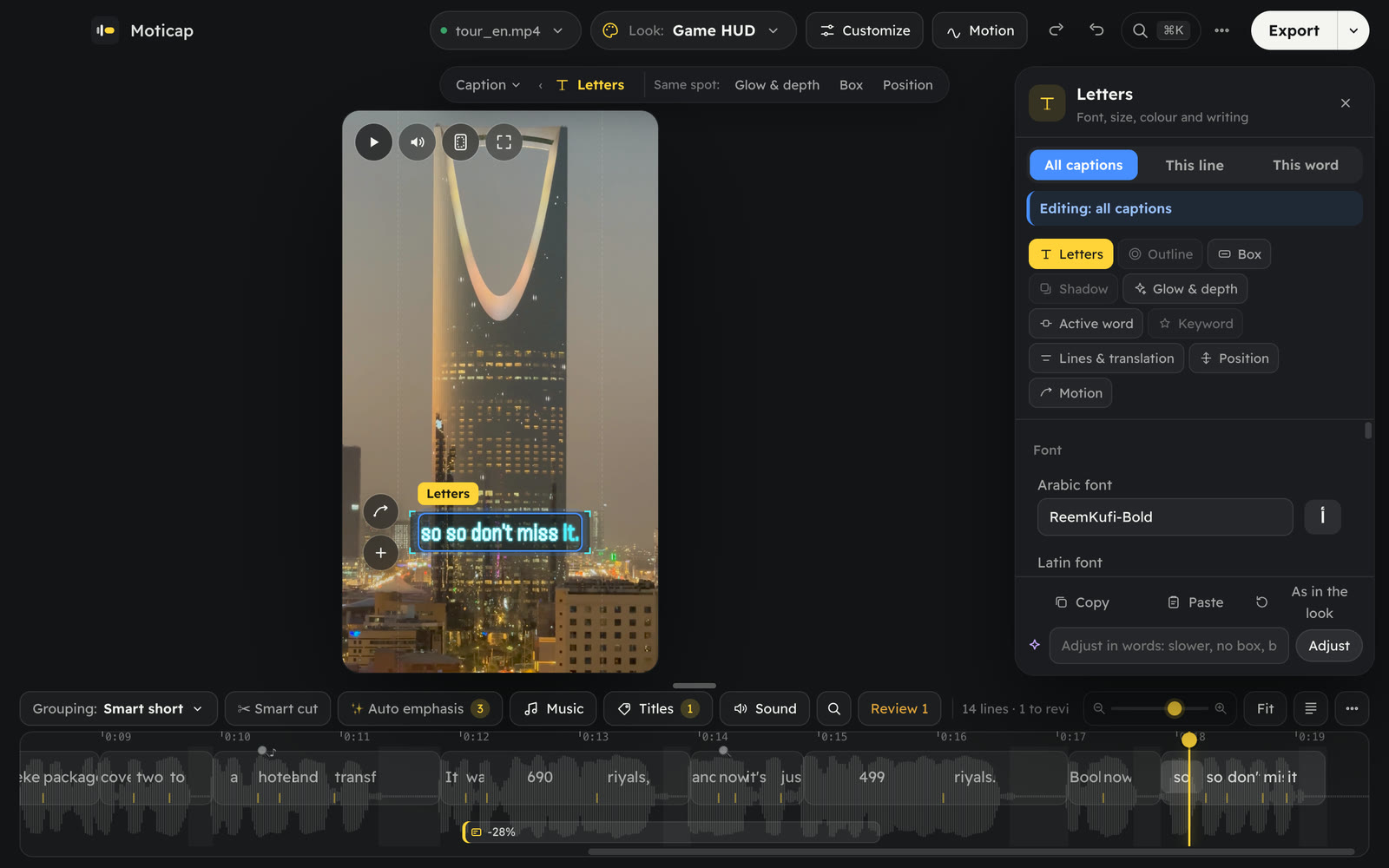
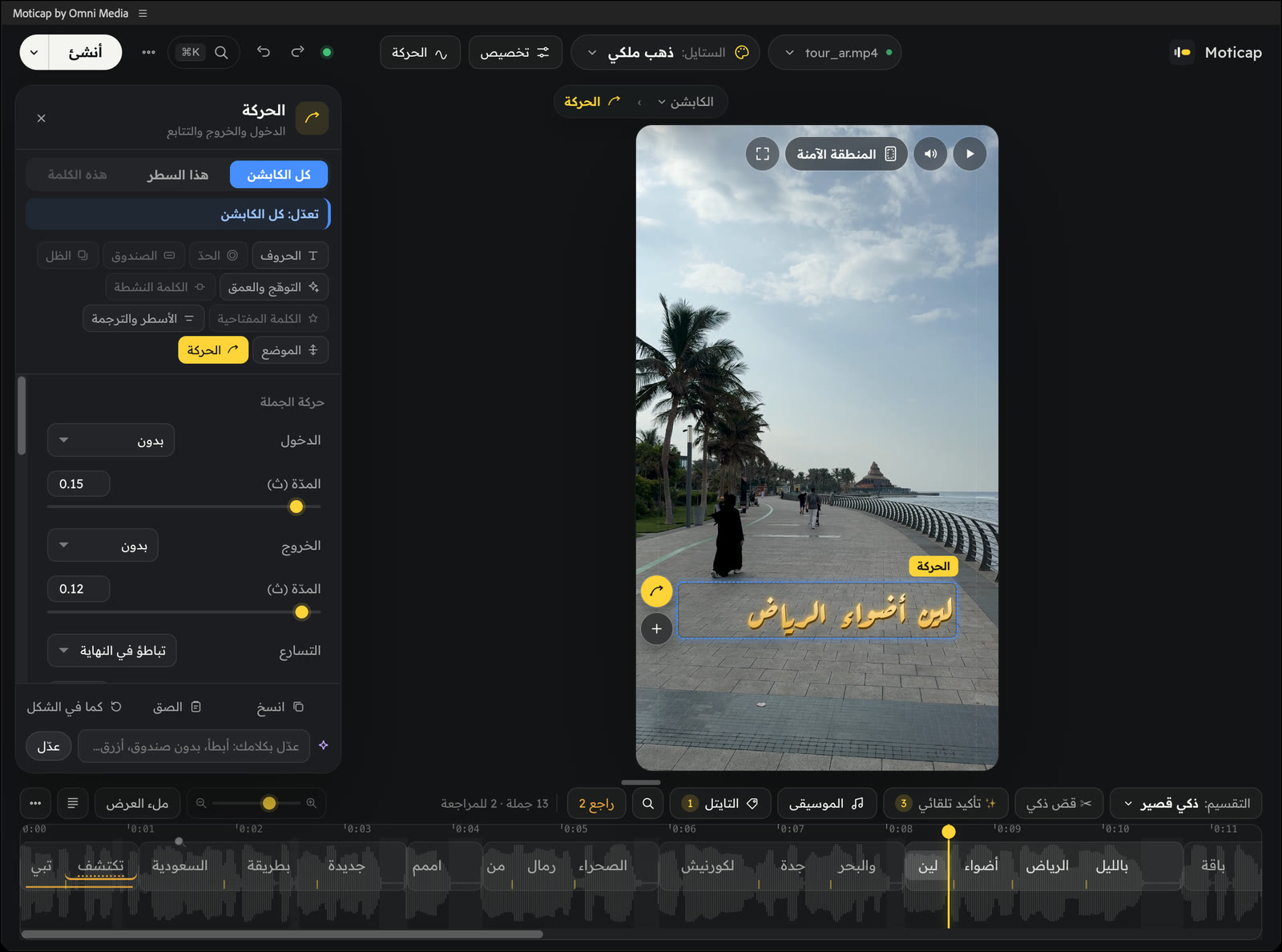
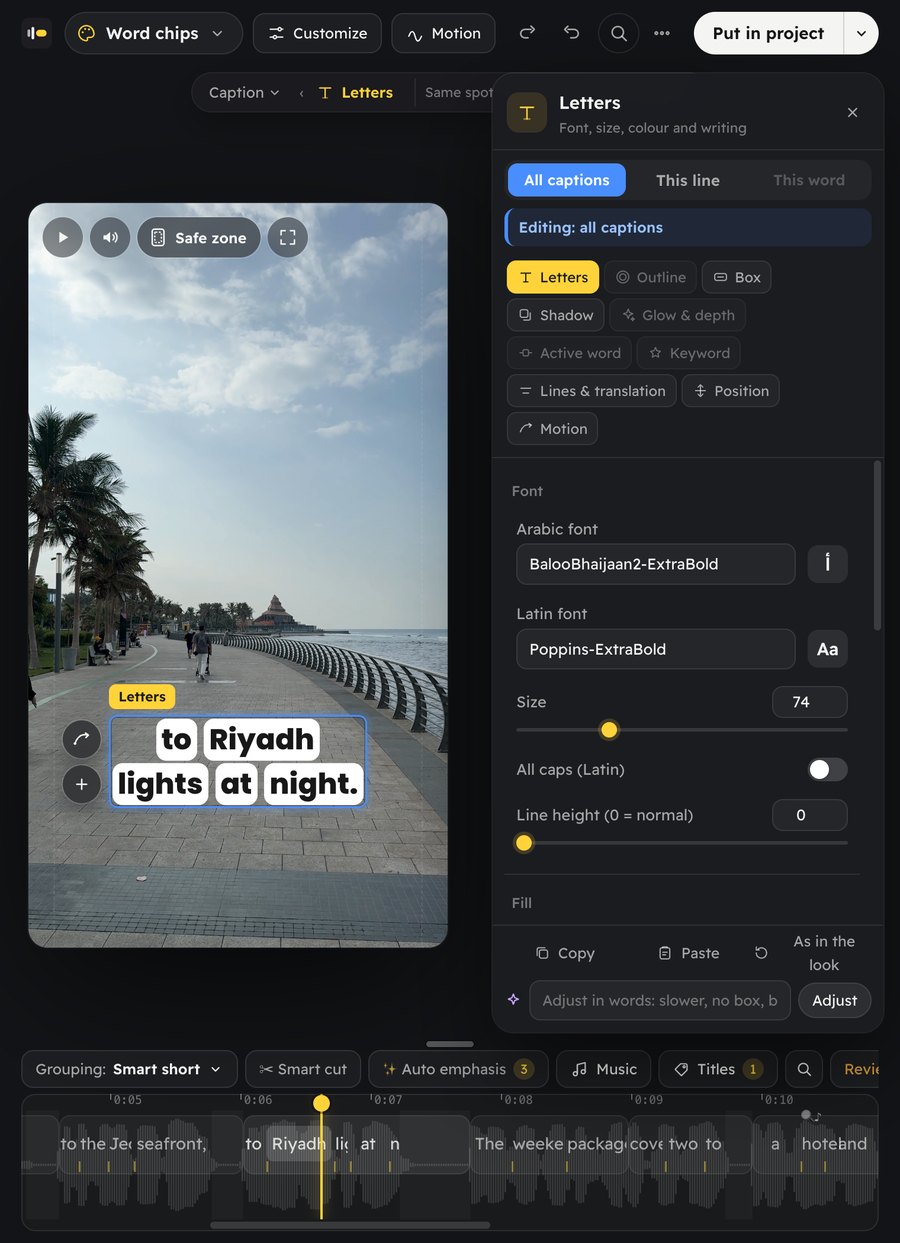
Of course. Click any part of a caption to change it, or fix text and timing in the strip under the video — and in After Effects, Premiere, Resolve and Final Cut you get real layers and timelines to change however you like.
Does it work with the free version of DaVinci Resolve?
The plugin requires DaVinci Resolve Studio.
How much will it cost, and when does it launch?
We'll announce pricing and the launch date soon. Join the waitlist to hear first.